iDEAL vs Credit Card: Which Payment Method Converts Better?
Dutch customers love iDEAL, but when do you need credit cards? Discover which payment method delivers the best conversion rates for your events.
Read more
Sell tickets with QR codes, accept payments via Stripe, PayPal, or Mollie, add tickets to Apple Wallet, and scan tickets at the door.
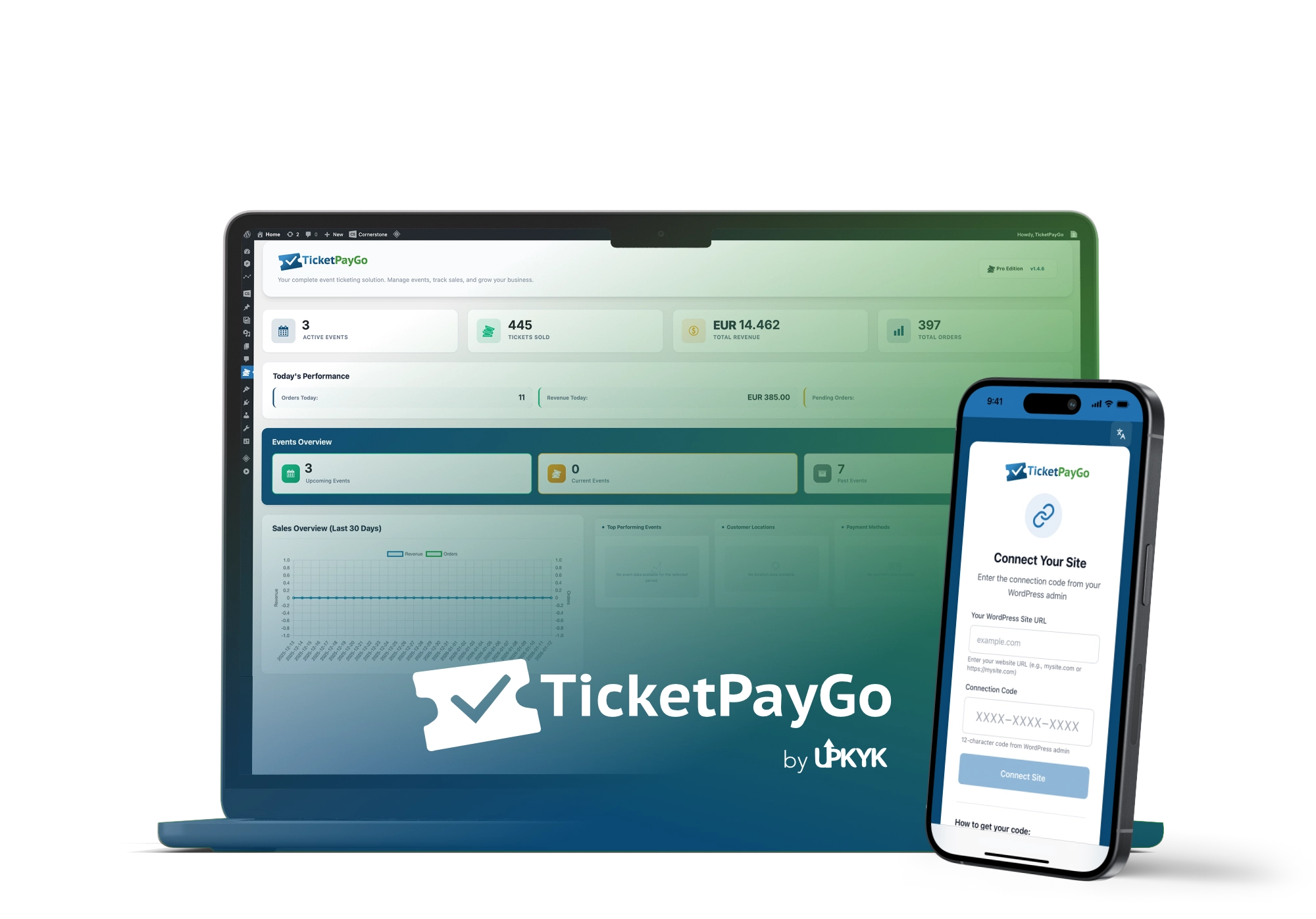


Sell tickets on your own website, without costs per ticket.
At TicketPayGo your costs don't increase as your event becomes more successful. 5 tickets or 2,500 tickets, your monthly fee stays the same.
Sell tickets on your own website. No redirects, no external checkout. You remain the owner of your visitor data.
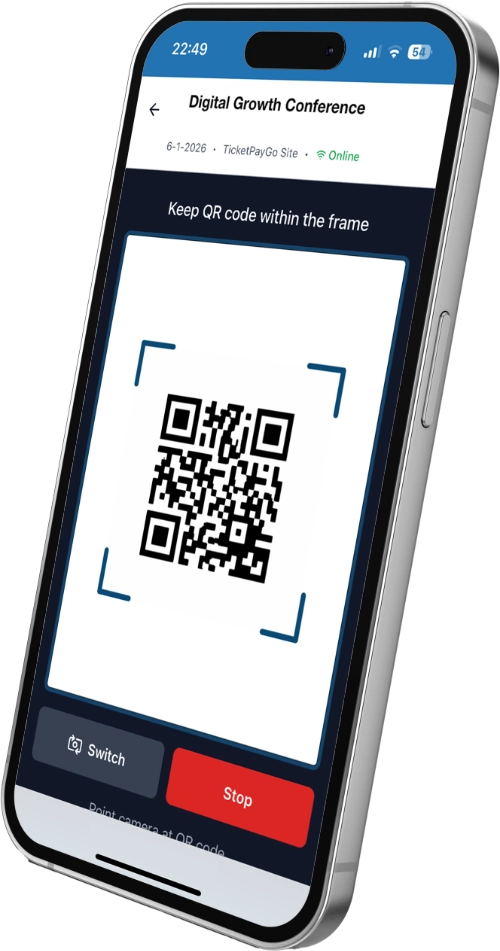
QR scanner works on any iPhone or Android device. No app installation needed, just open the URL and start scanning with real-time validation.

Mobile-first tickets with Apple Wallet support. Attendees always have their ticket ready at the venue.
Real-time insights with revenue, attendance, and demographics. Know exactly how your events perform with detailed charts and reports.
Because tickets are sold on your own website, customer data stays in your environment. Fewer third parties, less privacy complexity.
Web-based scanner works on any iPhone or Android device. No app store installation required, just open the URL and start scanning.
From event creation to check-in, in four simple steps.
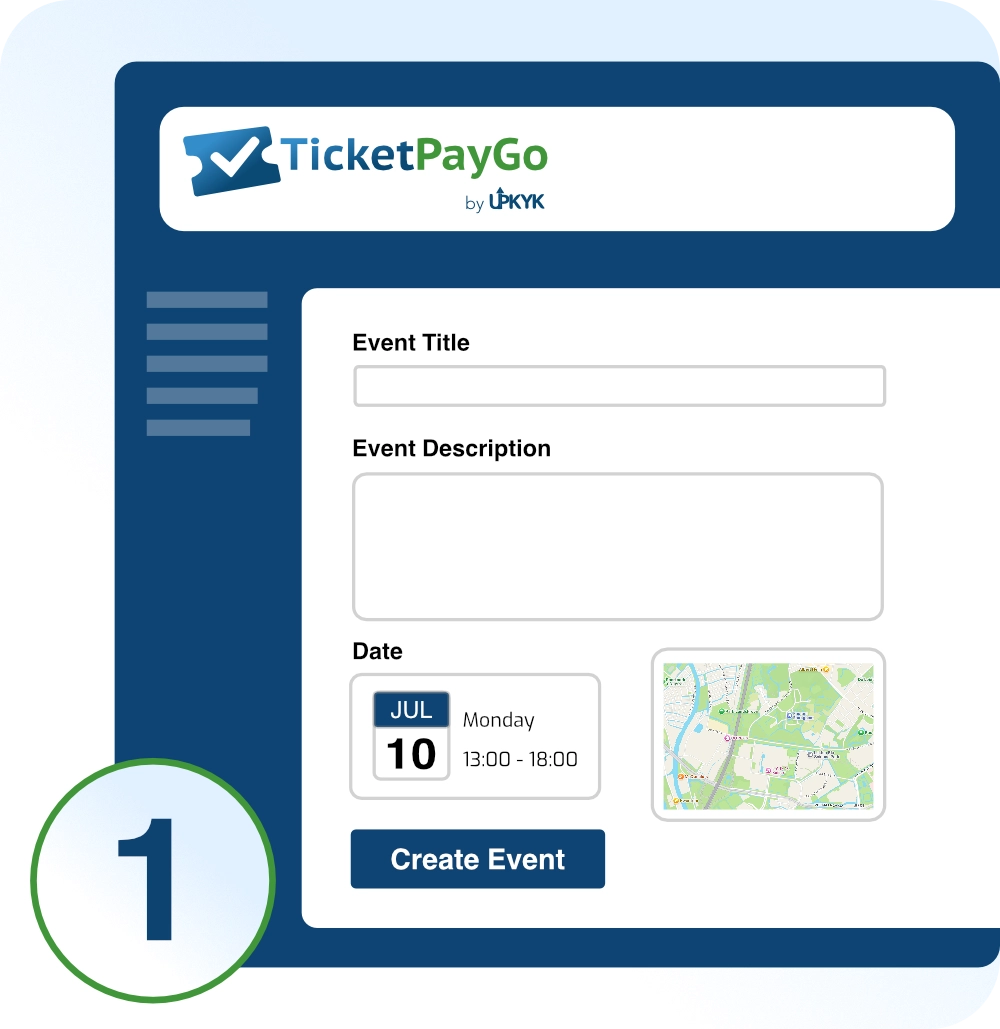
Connect your payment provider once. Add your event and define title, date, location, and capacity.
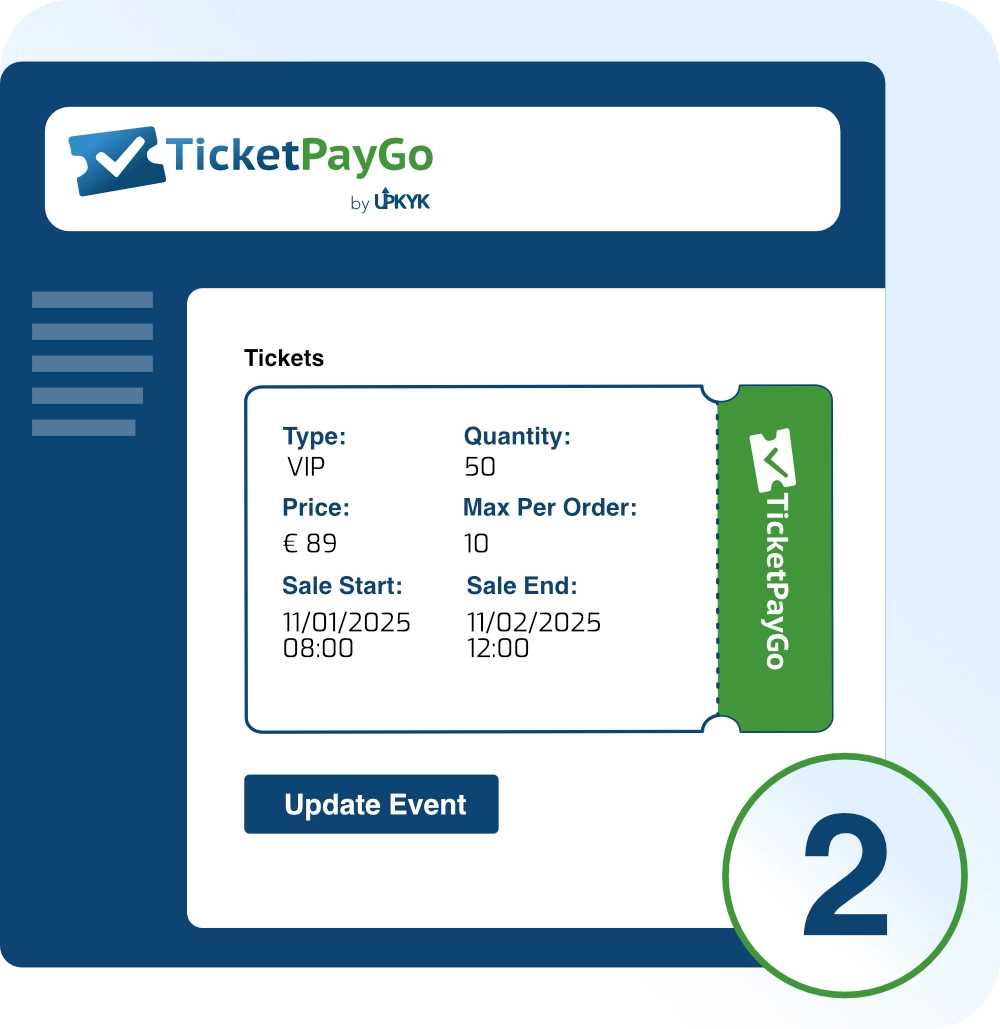
Set up ticket tiers (Free, VIP, Early Bird, General) and pricing.
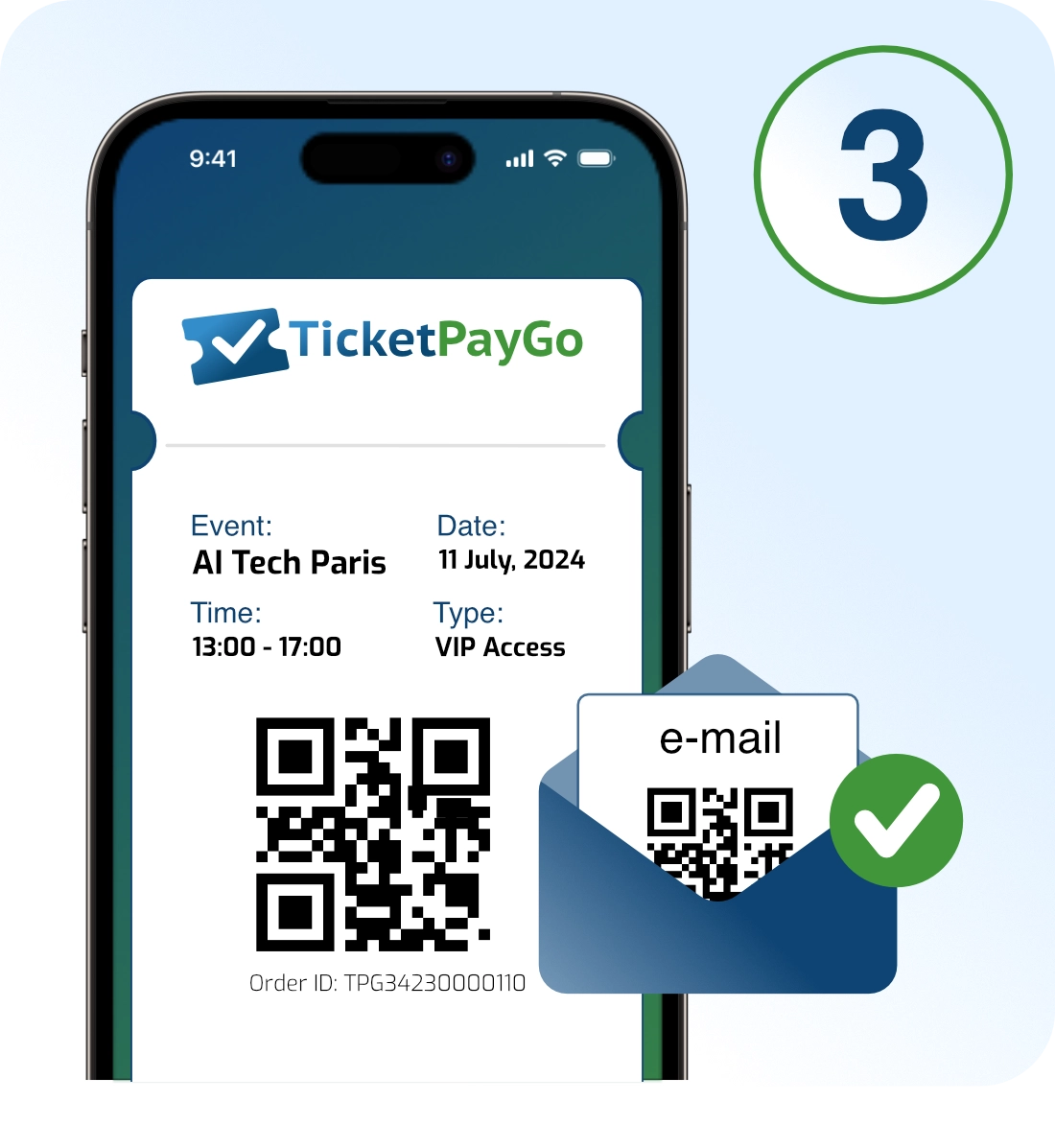
Attendees purchase tickets and receive QR codes via email, plus options to add to wallet and calendar.
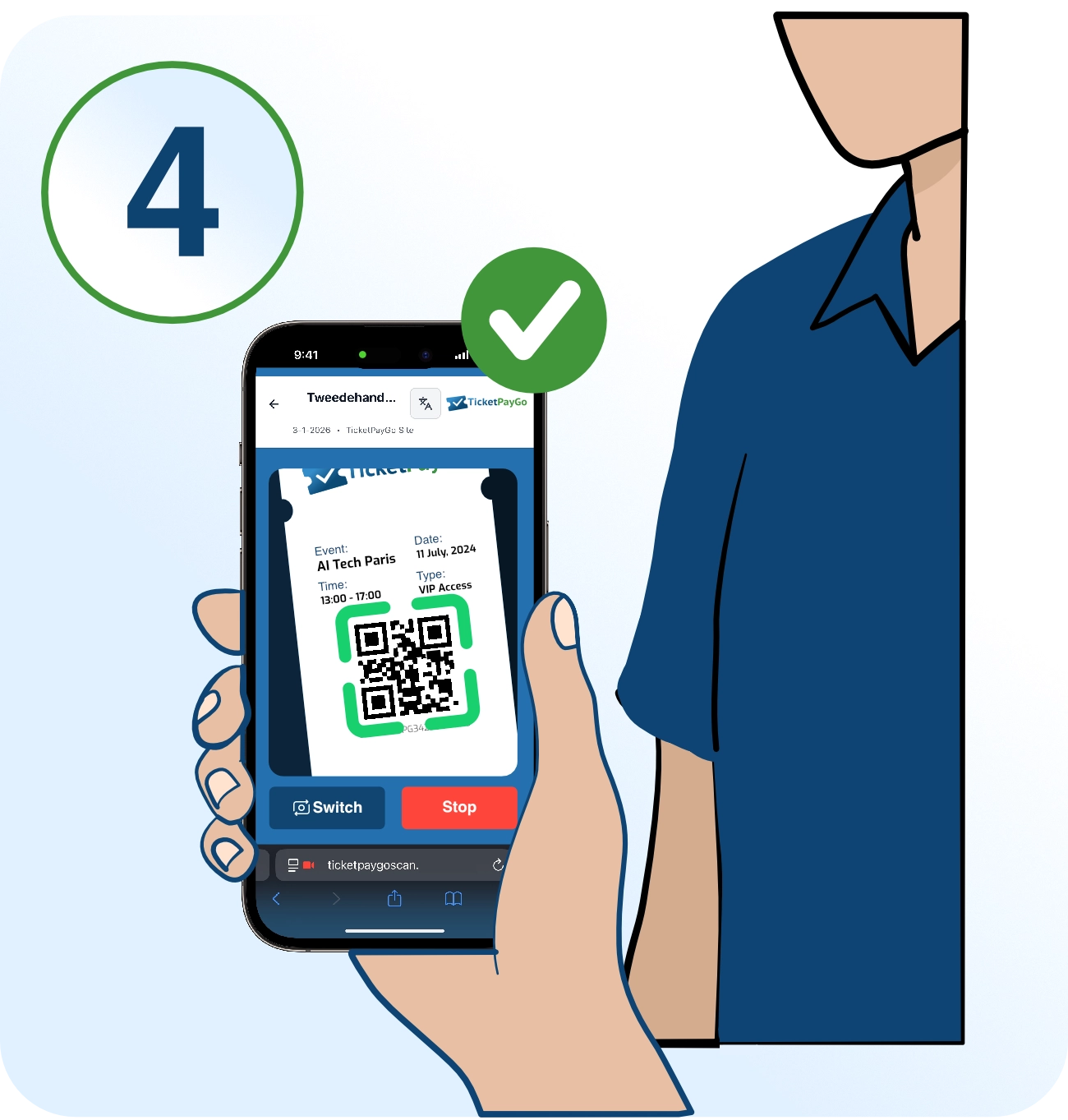
Use the scanner system for real-time validation, check-in tracking, and live attendance stats.
Everything from ticket creation to check-in analytics, in one plugin.
No per-ticket fees. No commissions. Just one flat rate.
For testing and very small events
For most event organizers
For medium to larger events
For venues and agencies
Secure payment via Mollie






Extend TicketPayGo with optional add-ons for any paid plan.
Add more simultaneous scanner devices to your plan. Each scanner account works on any phone or tablet, no app needed.
Print professional name badges for your attendees. Design custom templates, auto-fill attendee data, and export print-ready PDFs. Perfect for conferences, workshops, and networking events.
Works with the tools your attendees already use.

Accept payments globally via Stripe, PayPal, and Mollie with automatic webhook handling and refund support.
Attendees add tickets to their phone wallet for instant access at the venue.
ICS downloads and add-to-calendar links in emails and on ticket pages.
Optional order sync: ticket purchases appear in WooCommerce orders. Manage all orders in one place, perfect if you also sell products through your store. Automatic account recognition for logged-in users.
Native Elementor widgets for Event Card, Events Grid, and Calendar. Design event pages with full visual control directly in the Elementor editor.
Track event views, checkout funnel, and purchase conversions with automatic e-commerce data for retargeting and ROI analysis.
A complete ticketing solution built specifically for WordPress.
With built-in Stripe integration, our WordPress event ticketing plugin handles payments without any extra setup. Accept credit cards, Apple Pay, and Google Pay directly on your site - no redirects, no complicated configuration.
Every ticket includes a unique QR code for fast check-in. Our web-based scanner works on any device - ideal for in-person events where you need professional entry management without expensive hardware.
Unlike many plugins, TicketPayGo works without WooCommerce. Enjoy native payments via Stripe, PayPal, and Mollie with simple setup. No bloated e-commerce system required - just clean, focused event ticketing.
Choose your preferred payment gateway - all natively integrated within your ticketing plugin for WordPress. Each provider includes automatic webhook handling, refund support, and test mode for development.
TicketPayGo combines QR code ticketing, multiple payment gateways, Apple Wallet support, recurring events, and real-time analytics - all without per-ticket fees. A complete solution for event organizers who want control over their ticketing system.
From conferences and concerts to yoga classes, sports tournaments, and flea markets - TicketPayGo handles it all. Manage recurring schedules for courses, create tiered tickets for sports events, or sell vendor passes for markets. Whether you're hosting virtual workshops or running a venue, our flexible ticketing system adapts to your needs.
TicketPayGo supports Stripe, PayPal, and Mollie out of the box. Each provider includes webhook handling, automatic refunds, and test mode for development.
Yes. Create VIP, Free, Early Bird, General Admission, or any custom tier with individual pricing, capacity limits, and availability windows.
Absolutely. The entire experience is mobile-first, from the booking form to the e-ticket display. Tickets can also be added to Apple Wallet.
Yes. After purchase, attendees receive links to add their ticket to Apple Wallet (.pkpass), plus add-to-calendar options.
Generate scanner tokens in the admin panel. Each token can be used on a separate device. Tokens support multi-event access and include offline queueing with sync.
Yes. Set up daily, weekly, biweekly, monthly, or yearly recurrence with custom day selection, end dates, and bulk updates for all future instances.
No. TicketPayGo works standalone with native payments. However, if WooCommerce is installed, you can enable optional order sync to manage all orders in one place - perfect if you also sell products through your store.
Yes, with the TicketPayGo Badges add-on. Design custom badge templates, auto-fill attendee data from your tickets, and export print-ready PDFs - either as a sheet layout for office printing or at exact badge size for Dymo, Zebra, or Brother label printers.
Yes. TicketPayGo includes native Elementor widgets for Event Card, Events Grid, and Calendar. Design your event pages with full visual control directly in the Elementor editor with comprehensive styling options.
No problem. Start a monthly subscription before your event and cancel anytime after. Your subscription stays active until the end of the billing period, so you can keep using everything until your event wraps up. Planning another event later? Use the Pause option instead of canceling - your settings stay saved and you can reactivate when needed.
Have questions about TicketPayGo? We're here to help.
We typically respond within 24 hours
Get TicketPayGo and start selling tickets for your next event in minutes.
Works with WordPress 5.0+ and PHP 7.4+