
Event Badges for TicketPayGo
Generate professional, print-ready name badges for your attendees - directly from your WordPress dashboard. Same QR code, same ticket data, zero extra setup.
- No second QR system
- Works with any printer
- €25/mo per site
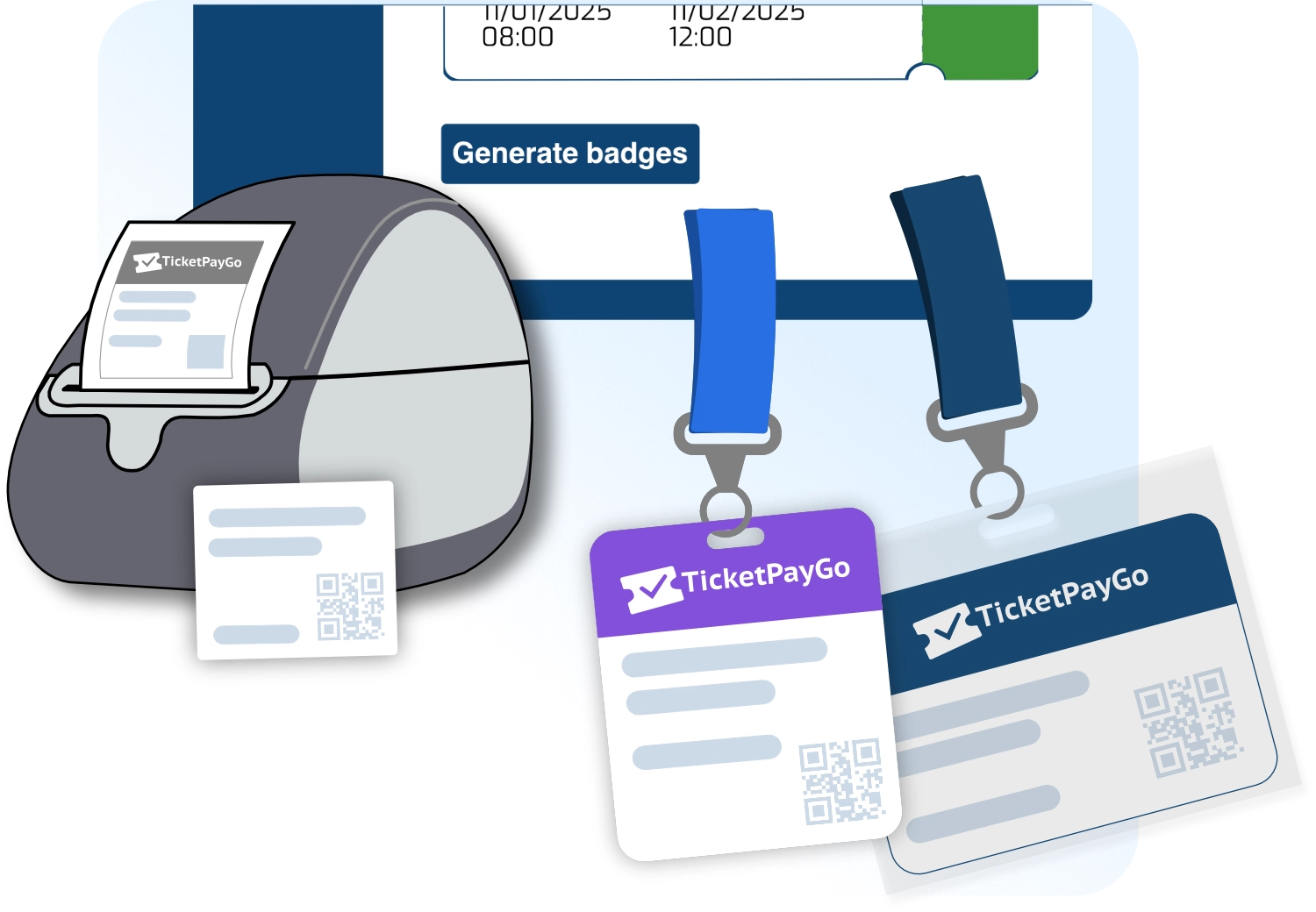
How it works
Badges are built on top of your existing TicketPayGo setup - no duplicate data, no second QR system.
Design your badge template
Use the visual template editor in your WordPress dashboard. Choose a starter (Classic, Modern, Minimal) or start blank. Set your logo, header color, font, and which fields to show.
Attendee data fills in automatically
Name, ticket type, organization, and function are pulled directly from your ticket orders. Attendees fill in extra fields at checkout - or you bulk-import via CSV.
Export print-ready PDF
Generate a PDF for all attendees, a specific ticket type, or individual badges. Print at 100% scale on your office printer, or send to a label printer like Dymo or Zebra.
Scan the same QR at the door
The QR code on every badge is the exact same verification payload as the digital ticket. Your existing scanner setup works without any changes.
One QR system, not two. The badge QR encodes the same ticket number as the digital ticket. No separate badge scanning app, no duplicate validation logic.
Templates & customization
Four starter templates to get you going fast, fully editable to match your brand.
Classic
Portrait badge (3×4 in). Bold blue header band with logo, name large and centered. Ideal for conferences and corporate events.
Modern
Landscape badge (4×3 in). Clean white background, purple accent header, name in bold. Great for workshops and networking events.
Minimal
Landscape badge (3.5×2 in). Thin green color strip, maximum white space. Best for design-focused events or when the name needs to dominate.
Label
Square label (2×2 in). No header, name and QR only. For events where the badge card is pre-printed and you only need a data label.
Logo & header image
Upload your event logo or a full-width header image. Supports color-only headers too.
Brand colors & fonts
Primary, secondary, and background colors. Choose from Inter, Roboto, Open Sans, or Montserrat.
Visible fields & order
Toggle and reorder: Name, Ticket Type, Organization, Function/Role, QR Code, Agenda. Show only what matters.
Staff & guest badges
Create manual badges for staff, speakers, or VIP guests - no ticket purchase required.
Supported badge sizes
Pick the size that fits your badge holders or label printer.
3 × 4 in (7.6 × 10.2 cm)
Portrait badge. Fits standard badge holders and lanyards. Used by the Classic template.
Portrait4 × 3 in (10.2 × 7.6 cm)
The most common conference badge size. Landscape orientation. Used by the Modern template.
Landscape3.5 × 2 in (8.9 × 5.1 cm)
Business card size. Compact and clean. Used by the Minimal template.
Landscape2 × 2 in (5.1 × 5.1 cm)
Square data label. Sticks onto a pre-printed badge card. Used by the Label template.
SquarePrinting guide
Everything you need to know to get perfect badges on the day.
Office printer (A4 / Letter)
Export the PDF and print at 100% scale — never "fit to page". For 4×3 in badges, you get 2 per A4 sheet. Cut along the crop marks, slide into badge holders.
- Use 160–200 gsm card stock for rigidity
- Matte finish reduces glare under event lighting
- Pre-cut badge paper available at most office stores
Label printers (Dymo, Zebra, Brother)
For on-site printing at registration desks, use the 90×54 mm badge size. The PDF is pre-sized to match the label — just send to your label printer driver.
- Dymo LabelWriter 450/550 — 90×54 mm label
- Zebra ZD420 / ZD621 — 4×3 in label stock
- Brother QL-820NWB — DK-11240 label (102×51 mm)
PDF download & sharing
Generated PDFs are available for 24 hours via a signed download link. Download once and print as many copies as you need.
- Single-badge PDF for individual reprints
- Sheet PDF for bulk office printing
- Filter by ticket type (e.g. VIP only)
Frequently asked questions
No. The QR code on the badge encodes the exact same ticket number as the digital ticket your attendee received by email. Your existing TicketPayGo scanner validates it without any changes.
Any printer that can print a PDF works. For office printing, use a standard A4/Letter laser or inkjet printer at 100% scale. For on-site label printing, the 90×54 mm size works with Dymo LabelWriter 450/550, Zebra ZD420/ZD621, and Brother QL-820NWB.
Three ways: (1) Checkout fields — attendees fill in Organization and Function/Role when buying their ticket. (2) CSV import — upload a spreadsheet with ticket numbers and badge data in bulk. (3) Manual entry — edit individual attendee fields directly in the Badges admin panel.
Yes. Use the "Manual Badge" feature in the Participants tab. Enter the name, select a badge type (Staff, Speaker, VIP, Press, Volunteer), and a unique badge ID is generated automatically — no purchase required. The badge QR still works with your scanner.
The Agenda field displays the ticket type name (e.g. "Workshop A" or "VIP Day 2"). It's hidden by default — enable it in the template editor if you want attendees' session or track printed on their badge.
Badges is an add-on — you add it on top of any active TicketPayGo plan (Starter, Standard, or Pro) for €25/mo or €250/yr per site. No plan upgrade required.
Stop building your badge workflow from scratch every event.
Your attendees are registered. Their data is already in TicketPayGo. The only thing missing is a badge with their name on it. Add Badges to your plan, design your template once, and every event after that takes minutes instead of hours.
Works with any active TicketPayGo plan. Cancel anytime.
Already have a plan? Log in to add Badges.