
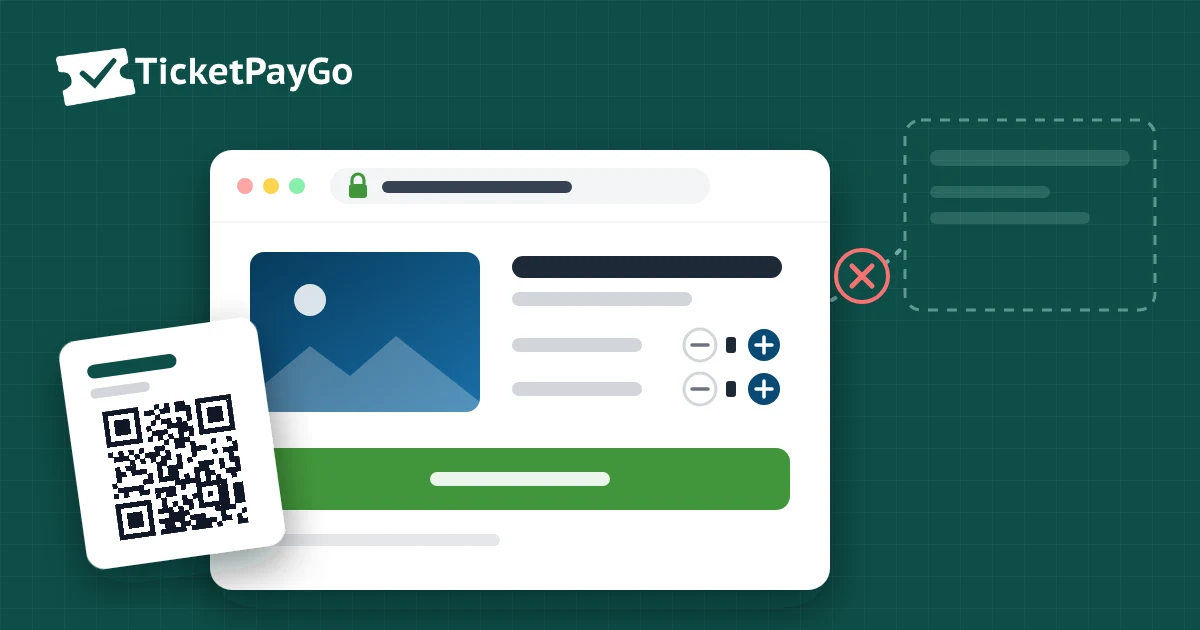
How to Embed Ticket Sales on Your Own Website
A visitor reads about your show, clicks "Buy tickets" and lands on a different website with a different logo, a different layout and a list of other events. Many theatres, cinemas and venues work this way, because their ticketing provider runs the shop on its own domain. If you want to embed ticket sales on your own website instead, the purchase can start and finish on the page your visitor is already reading.
What Happens When You Send Buyers Elsewhere
The redirect looks small, but it costs you in four ways.
The buyer leaves your brand
Your colours, photos and tone disappear at the moment someone decides to pay. A new domain in the address bar makes careful buyers hesitate, especially on a phone. And marketplace pages often show other events and the platform's own newsletter, so your buyer is now browsing someone else's catalogue.
Your search traffic works for someone else
Every show on a ticketing platform gets its own page on their domain. That page competes with yours for searches like "Hamlet tickets" plus your town, and a large platform often wins. Reviews, local press and social posts link to their page instead of yours, so the authority builds up on their site, not on your venue's.
The sale also tends to happen outside your own analytics. If you advertise on Meta or Google, your pixel often never sees the purchase, unless the platform supports it. Your campaigns then optimise without knowing what actually sold.
The money takes a detour
On many ticketing platforms the buyer pays the platform, not you. The platform holds the money, deducts its fee per ticket and pays out the rest on its own schedule, sometimes only after the event. Until then your revenue sits in someone else's account, and refunds and disputes follow their rules.
The customer list moves
The buyer creates an account with the platform and receives the platform's emails. The names, addresses and buying history of your audience end up in their database, and they decide what you can export.
Three Ways to Put Tickets on Your Site
Not every "embed" is the same. Know which one you are getting.
1. A link or button to an external shop
Most venues already have this. The checkout still happens on another domain, so nothing is really embedded.
2. An iframe widget
The provider's shop sits in a frame on your page. It looks better, but often feels cramped on mobile, and the money, data and emails still run through the provider.
3. A native checkout on your own domain
Event page, seat selection, payment and confirmation all run on your domain, in your design, and orders land in your own database. Only this option solves all four problems above, and it is how TicketPayGo works: the plugin runs inside WordPress, so the shop is your site.
What to Check Before You Choose a Tool
Ask these questions of any ticketing solution, whatever the brand:
- Which domain is in the address bar during payment? If it is not yours, buyers leave your site.
- Where does the money go? Straight to your own Stripe, Mollie or PayPal account, or to the platform first?
- Who owns the buyer list and sends the tickets? It should be you, so the next show starts with your own audience.
- What does it cost per ticket? A per-ticket fee grows with every sale. Our comparison of ticketing platform fees shows how fast that adds up.
How It Works With TicketPayGo
TicketPayGo is a WordPress plugin, so ticket sales are part of your site rather than a link away from it.
- Install the plugin and connect Stripe, Mollie or PayPal. Payments go straight to your account.
- Create your event or show, with ticket types such as regular, student or VIP.
- Place it anywhere: an events grid, a calendar, a single "Buy tickets" button, or a checkout that opens from any image or banner. Shortcodes and native Elementor widgets are included.
- Buyers pay in a single window on your page, without creating an account.
Tickets come with a QR code for Apple Wallet or Google Wallet. For numbered seats, the Reserved Seating add-on adds an interactive seat map to the same checkout.
Frequently Asked Questions
Can I sell tickets on my website without a redirect? Yes, if the checkout runs on your own domain. With a WordPress plugin like TicketPayGo, the whole purchase happens on your site.
Do I need WooCommerce? No. TicketPayGo works on its own, and WooCommerce sync is optional.
What to Do Next
Open the live demo, pick a ticket and go to checkout while you watch the address bar: it stays on the same site. If your site runs on WordPress, you can set up the same flow for your own events today.